
 Cybersecurity has increased in priority for CIOs for several years and it is still a top 3 priority according to the top industry analysts. There have been several large-scale global cyberattacks that most companies were able to avoid with solid IT security plans and protocols, but there have been some changes in where and how employees work that has increased the number of cyberattacks. Remote and hybrid work can have some significant advantages for companies and employees, although there are potential unforeseen IT issues that could impact an organization.
Given that the hybrid work model will be around for the foreseeable future, there are some cybersecurity risks to mitigate. With more work from home time, your employees may be more comfortable using their personal devices for work functions which can open more areas for risk. Most employees are quite savvy and are not clicking on links in unknown emails or on ad-filled websites; however, if their work device is used by someone close to them (child, partner etc.) cybersecurity risk is again increased. Employees working from home and connecting to your company’s network with personal devices including tablets, PCs, mobile devices and printers that potentially were not built to support your business’s security plan can pose an additional risk.
Enterprise-level business devices most often have onboard software to fight cybersecurity threats and are configured with business-grade antivirus software and authentication requirements. When personal devices connect to a company’s network there could be dangerous security vulnerabilities that are innocently introduced. In a recent survey, HP found that more than 30% of employees said they have used their personal computer to access the corporate network.
The move to more hybrid workers in your business will definitely open your business up to more potential security breaches. The number one preventative step is employee cybersecurity training. Letting one of their kids use their business laptop for homework doesn’t seem like a big risk but it could be. We would recommend a cyber security education training program for employees. As much as it is a pain, having forced strong passwords that must be updated quarterly will help, and it’s important to ensure that employees do not use unsecured personal devices to connect to corporate servers and systems.
In the past year, more than 40% of IT Security Professionals have seen evidence of a print device being used as an entry point for an attempted cyberattack. It’s important to ensure that hybrid workers do not use personal print devices that are not equipped to protect against a cyber breach that could expose corporate data that is stored on the print device. Best-in-breed enterprise-level print devices have multiple layers of security including firmware that is updated, configuration best practices and print security software that can self-protect against cyber activity. We would suggest transitioning home office users away from using unsecured personal print devices for print and scan, and instead, using mobile print solutions that can enable employees to send a document to print at the office, or scan a document and route it to a business document management system or workflow with the user’s smartphone, tablet or PC.
Now that many employees and their devices are out of sight, IT professionals’ ability to stay on top of connected user devices is more complex. When it comes to keeping your business safe, it may be important to educate your employees and ensure they have the tools they need to safely work with printed and digital documents.
If you are interested in learning more about protecting your business and enabling your hybrid worker the ability to safely print and share documents be sure and contact us…
 Without central control of your print fleet, security settings are extremely difficult to manage, and entry points for cybercrime are more easily overlooked. It becomes even more complex supporting work-from-home employees and integrating equipment to workflow automation systems. Your IT team could be focused on configuration settings and authentication rather than working on other valuable IT projects or support. Encryption and authentication can be accomplished universally with an integrated automated security management tool. We’ve had great success with HP JetAdvantage Security Manager, ask one of our experts to share best practices in this area.
 have focused on optimizing processes across their business systems are the leaders in their specific industry because of their efficiency and the ease of doing business that their customers experience. Most of the business processes in an organization focus on moving digital and paper-based documents through the business to make things happen internally and externally. Well-oiled traditional systems, even when highly integrated, have gaps in business processes that need to be bridged by people (employees). The next level of optimization is embracing digital transformation. The Wikipedia definition of digital transformation is “the adoption of digital technology by an organization to digitize non-digital products, services, or operations. The goal for its implementation is to increase value through innovation, invention, customer experience or efficiency”.
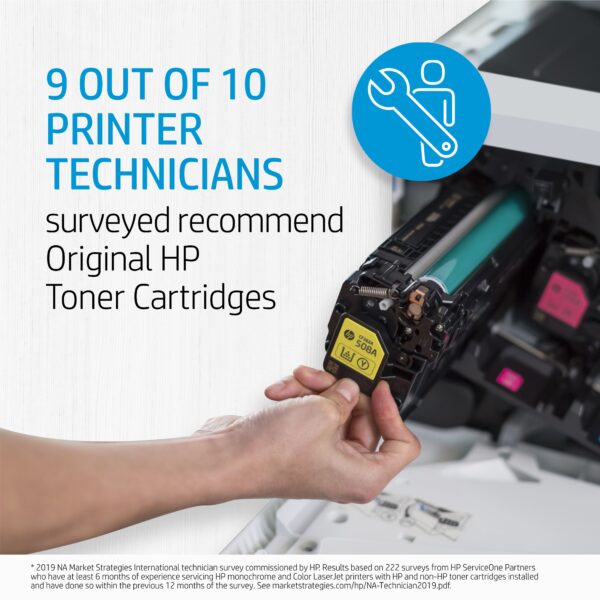 Sometimes what looks like savings can turn into a hassle. If you are running aftermarket supplies in your print devices, reach out to see how we can help to convert you to OEM. We typically find that we can help our clients make the change to OEM without impacting the total cost of ownership and the monthly operational cost to run the print environment. If you are currently running OEM supplies and are thinking about trying aftermarket supplies to try and save some money, there may be a better way to save!